User documentation
LearnPath User Guide
This guide explains how learners use LearnPath to find public learning paths, move through rooms and steps, save progress, and participate in the community.

Open the Paths page and choose a subject you want to learn.
Read the Path overview, then select the first Room that matches your level.
Complete Steps in order, checking explanations and practice prompts as you go.
Sign in to keep progress, certificates, collections, and forum activity synced.
Core structure
Paths, Rooms, and Steps
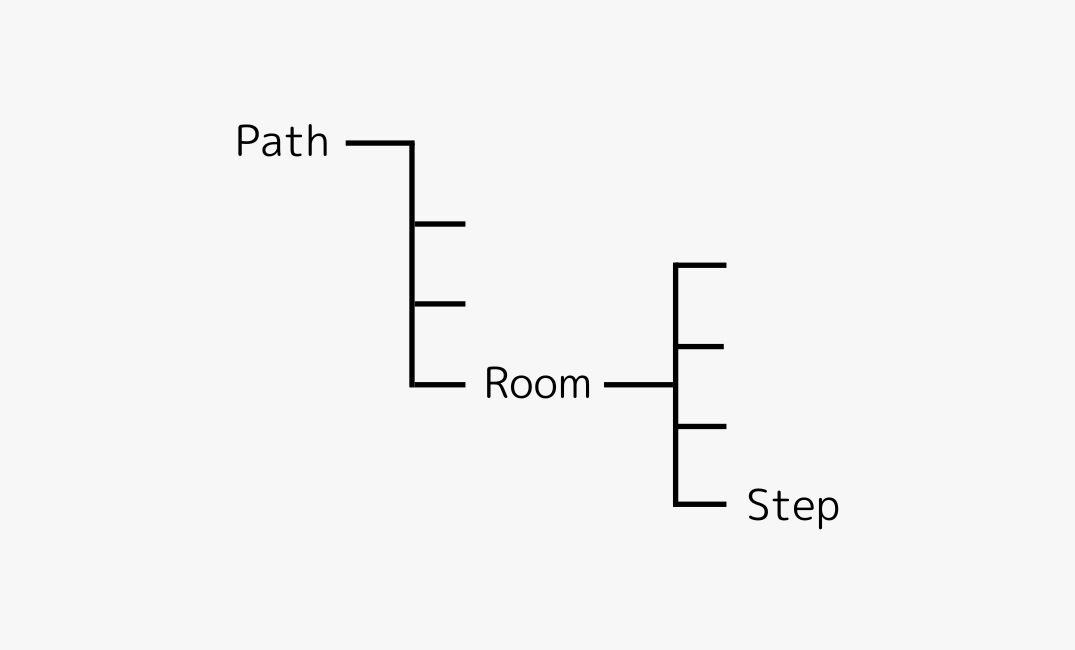
LearnPath breaks learning into a hierarchy so you can see the full route and still focus on the next action.
Path
A complete learning route for one topic or skill area.
Room
A focused chapter inside a Path. Use it to learn one subtopic at a time.
Step
A single lesson or activity. Steps are the smallest unit of progress.

Find a Path
Choose the right starting point
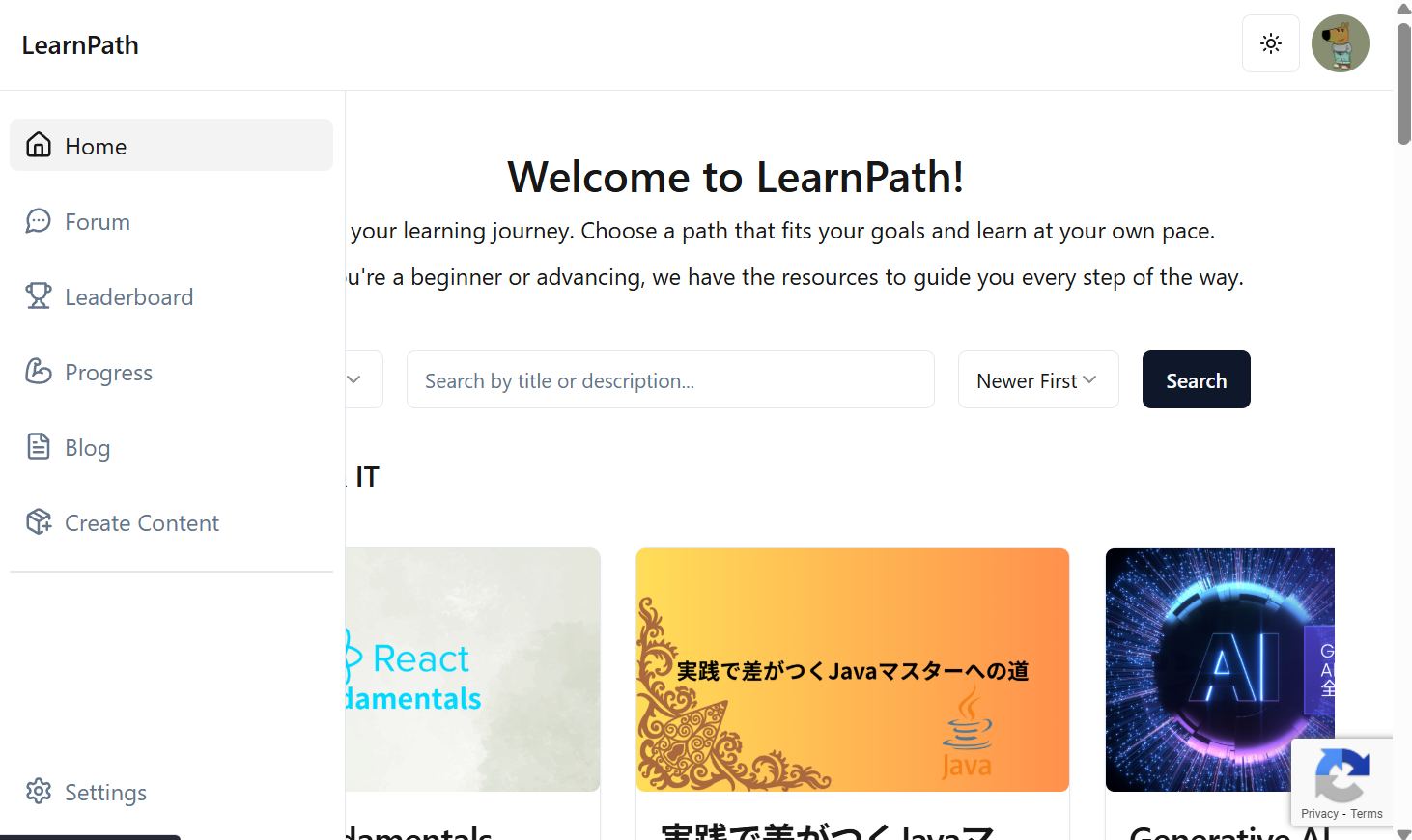
Use the Paths page to browse public content by topic, search by keywords, and open a Path before committing to it.
- Use search when you already know the subject.
- Open a Path page to confirm its overview, rooms, and expected level.
- Start with the first Room if you are new to the topic.
Learning Flow
Work through one Room at a time
A Room gives you the lesson context. Steps provide the actual tasks, questions, and explanations.
- Read the Room introduction before jumping into individual Steps.
- Complete Steps in order when the Path is designed as a sequence.
- Return to the Path page when you want to switch Rooms or review progress.

Account and Progress
Sign in when you want your learning to persist
Guests can explore public content. A signed-in account keeps progress, profile details, collection items, and forum activity connected.
- Use Progress to review completed learning activity.
- Use Collection to revisit saved content.
- Set your username on Profile before generating certificates.
- Manage account and subscription settings from Settings.
Community
Ask questions and follow discussions
Use the Forum when you need help, want to share a resource, or want to discuss a Path with other learners.
- Create a thread with a clear title and enough context.
- Use notifications to follow replies and updates.
- Keep questions specific so other users can answer quickly.

Troubleshooting
Common fixes
Most user-side issues are caused by account state, access level, or stale page data.
Progress is not saved
Confirm that you are signed in, then refresh the Path or Progress page.
A page looks unavailable
Check whether the Path is public and whether your subscription covers the content.
Your certificate name is wrong
Update your username on the Profile page before downloading a certificate.